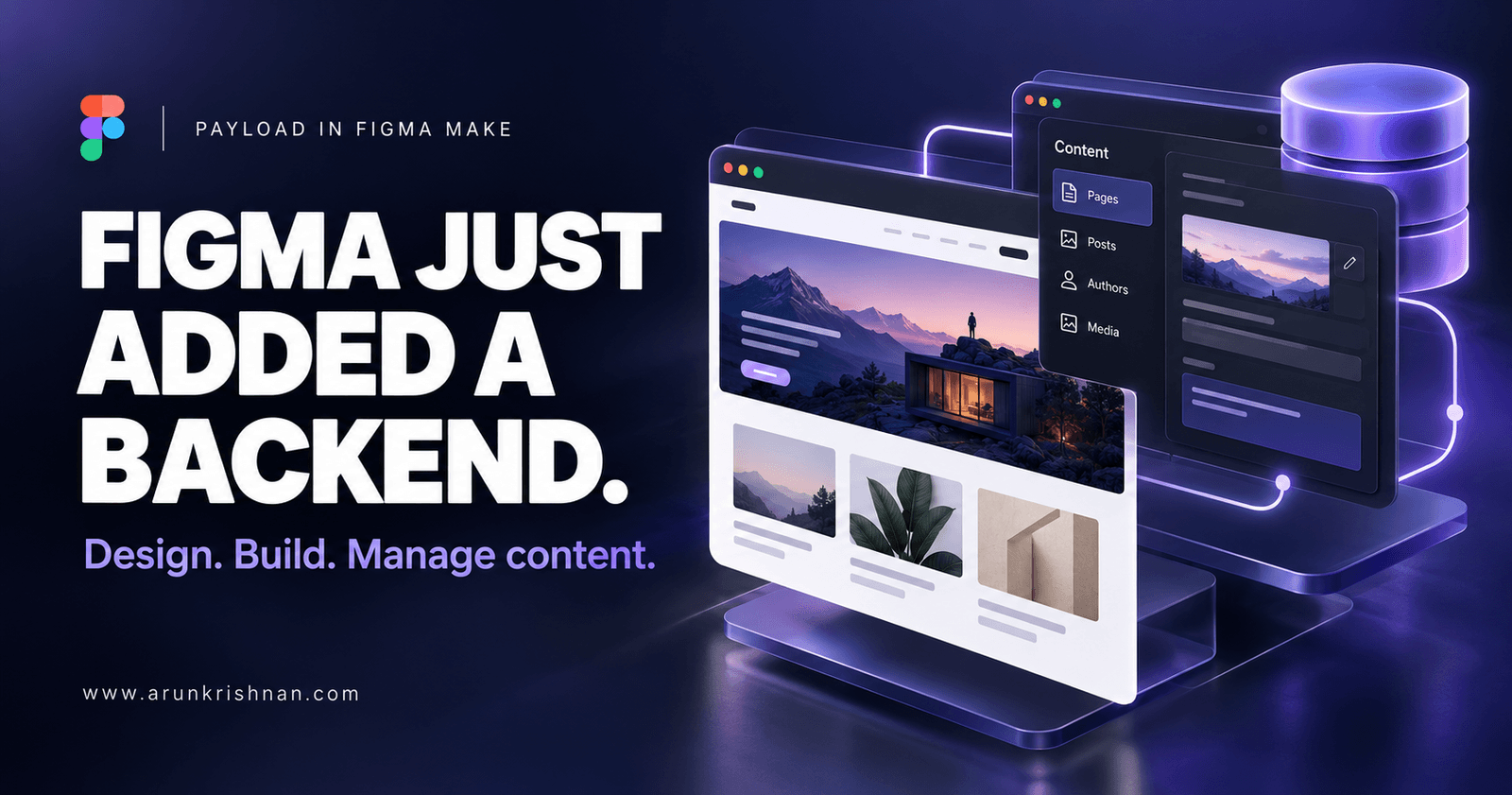
Payload in Figma brings content, databases, and user logins into Figma Make. Here’s why that could change what we build—and how we work together.
You design a beautiful website. The cards look perfect. The navigation feels smooth. Everyone loves the demo.
Then someone asks three simple questions:
“Where do we add a new article?”
“Can users log in?”
“Will this information still be here tomorrow?”
Those questions move the conversation from how a website looks to how it works.
Payload in Figma brings more of that work into the same environment.
Announced on October 15, 2026, the integration brings Payload’s content and data capabilities into Figma Make, helping teams create websites and applications with a built-in backend.
What Is Payload in Figma?
Payload is an open-source content management system and application framework. Its integration with Figma Make provides tools for storing and managing content, including a database, file storage, user login, and an admin panel.
When you prompt Make to create an experience with content management, it can set up the supporting backend alongside the interface. Figma also hosts these experiences.
Think about a personal portfolio.
The public website displays your projects. Behind it, an editing interface lets you add a project, change its description, or replace an image.
That connection matters. A portfolio needs to stay useful long after its launch-day screenshot.
The Feature That Deserves More Attention: Editing After Launch
Generating a website is exciting. Maintaining it is where everyday work happens.
Payload’s editing panel supports creating articles, changing copy, replacing media, organising content, reviewing versions, and publishing updates. Teams can make routine content changes through an admin interface.
For me, this raises a useful question:
Who will look after this website six months from now?
A small business owner may need to change a service description. A community organiser may need to update an event. A designer may want to publish another case study.
Giving those people a clear editing experience should be part of the product from the beginning.
Imagine Building a Community Events Website
Here’s a project I would use to explore this workflow.
Start with a simple brief:
Create a community events website with event listings, individual event pages, and an admin interface for managing titles, dates, locations, descriptions, and images.
Then evaluate the result through practical tasks:
- Can an organiser add an event without help?
- Does a long event title fit on a phone?
- What happens when an image is missing?
- Can visitors clearly distinguish past and upcoming events?
The interesting experiment is how quickly the team can move from an attractive first draft to an experience that handles actual content.
Real information has a way of exposing assumptions that perfect sample text hides.
Why Designers and Developers Should Pay Attention
Figma positions this integration as a shared workflow: designers shape the experience, content teams manage information, and developers customise the application using Payload’s framework. Its announcement also says applications can be taken outside Figma.
My take is that this could make early collaboration more concrete.
Instead of discussing an imaginary publishing process, a team can try one. Instead of assuming a content structure will work, they can enter information and see where it becomes awkward.
As a designer and front-end developer, that is the opportunity I find most compelling: discovering the difficult questions while changes are still relatively easy.
Does a Working App Mean It Is Ready to Launch?
A useful first version still needs careful review.
I would check accessibility, mobile behaviour, validation, permissions, performance, and how the experience handles errors. I would also test whether another person can manage the content without needing an explanation from its creator.
These decisions determine whether people can trust and maintain the product.
Faster setup gives us more room to investigate them.
Availability and Pricing
At announcement, Figma said Payload was available across all plans, with account access rolling out over the following weeks. Hosting for Payload-backed Make projects was in a free beta, with pricing and packaging to be announced before taking effect. Check the latest terms before planning a launch.
My Take: Build Something You Can Keep Using
The project I would start with is small: a portfolio, a resource directory, or a community events website.
Build it. Add real content. Ask someone else to update it. Watch where they hesitate.
That is where this feature becomes interesting.
A beautiful first screen gets attention. A website people can keep using—and updating—earns its place.